

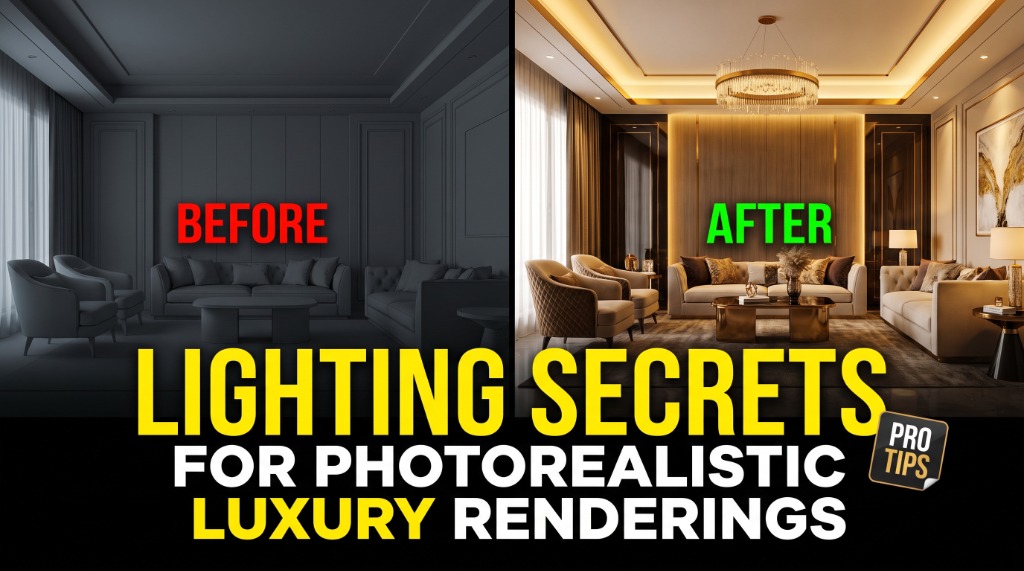
Lighting Secrets for Photorealistic Luxury Renderings
Creating photorealistic renderings of highly reflective surfaces—like glass, polished gold, or steel timepieces—is one of the ultimate tests of a 3D artist. If the lighting setup is incorrect, the product looks plastic, flat, and cheap.
In this guide, we reveal the core principles our CGI studio uses to light luxury wristwatches and high-end consumer products in a virtual space.
1. The Power of Custom HDRIs
Do not rely on standard outdoor or sky HDRI maps. Luxury products need highly structured studio lighting. We design custom studio reflections using softbox gradients. Soft, smooth gradients reflecting across the curved bezel of a watch give it a three-dimensional depth and a sense of metallic weight.
"In product renderings, what you don't light is just as important as what you do light. Dark gaps and crisp occlusion shadows between reflective gradients create high-end visual definition."
2. Controlling Light Refraction in Glass
When rendering watches, the sapphire crystal glass on the face must have correct index of refraction (IOR) settings (typically 1.77 for sapphire). We use subtle blue-tinted rim lights to highlight the outer edge of the glass, mimicking anti-reflective coatings.
3. Rim Lighting for Shape Definition
Always separate the product from the background using strong, narrow rim lights. A soft backlight reflecting off the edges of the watch lugs or strap immediately gives the object a physical presence, carving it out from the dark, moody ambient background.
Summary
By treating your 3D viewport like a physical camera studio—manipulating virtual softboxes, using bounce cards, and controlling metallic roughness parameters—you can create hyper-detailed luxury imagery that is completely indistinguishable from real life.